
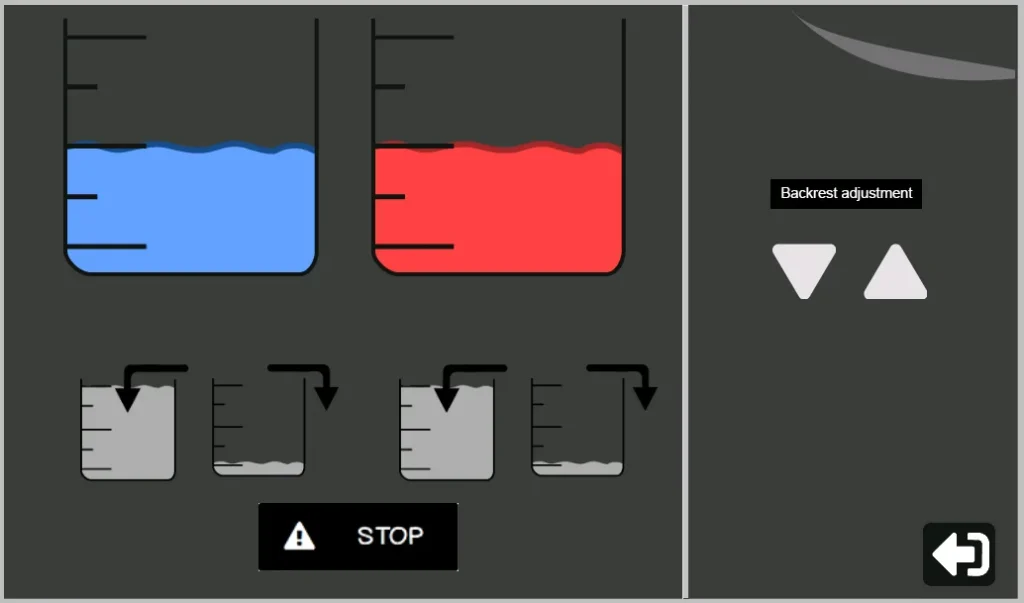
Thanks to its automated system, filling and emptying tanks is performed without complex manual intervention, limited only to initial installation or safe transport of the equipment. The exclusive use of the manufacturer’s certified fluid ensures complete compatibility with the software and hardware, preserving optimal performance and system longevity.
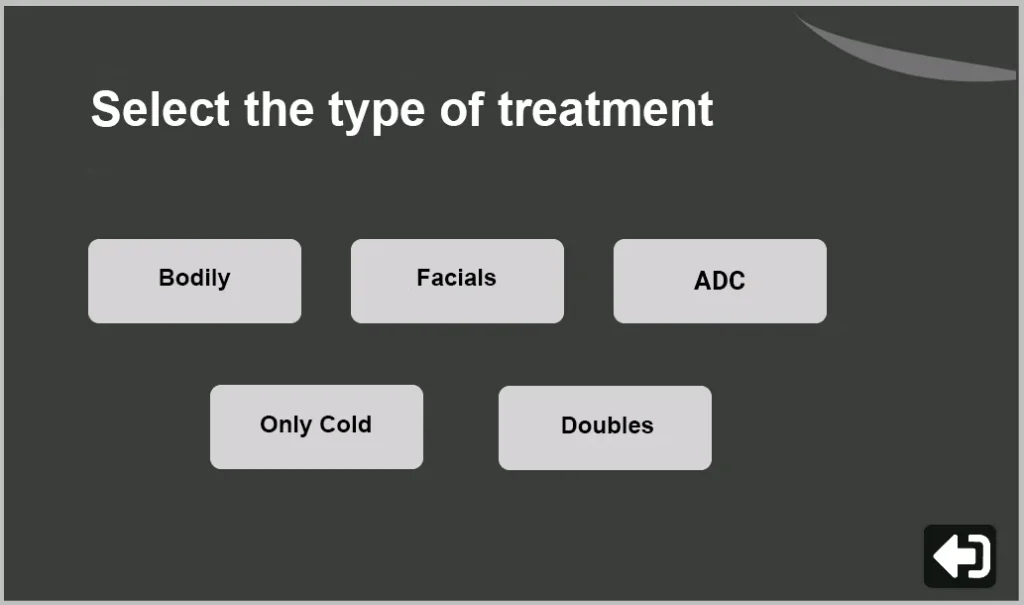
In this initial stage of the protocol, the professional proceeds to select the desired aesthetic treatment through direct touch interaction on the corresponding icon in the interface, allowing immediate and fluid access to the specific configuration of each therapeutic modality.
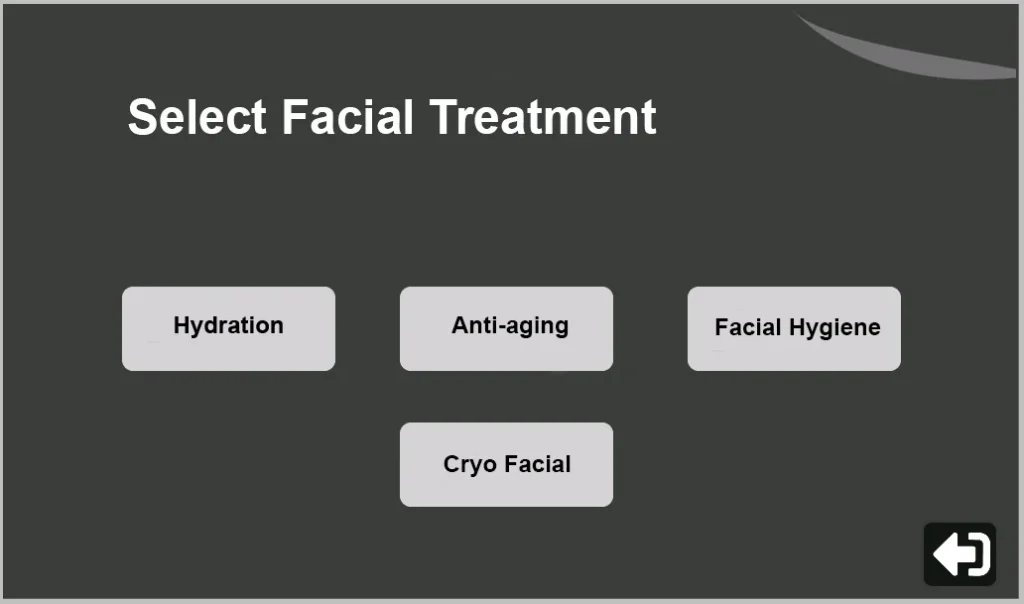
Once the basic aesthetic protocol is defined, the software automatically and intuitively displays an advanced configuration panel that allows the professional to adapt multiple variables and specific options for each therapeutic modality, thus ensuring comprehensive customization of the treatment without complicating the workflow.

Each treatment is displayed on screen with a baseline configuration of recommended times and temperatures, designed to optimize results from the first use. The software allows the specialist to adjust these parameters smoothly and with control, respecting integrated safety limits that prevent incorrect settings. This makes it possible to confidently modify the application cycles of hot and cold, as well as define the exact number of thermal contrasts required for each customized protocol.
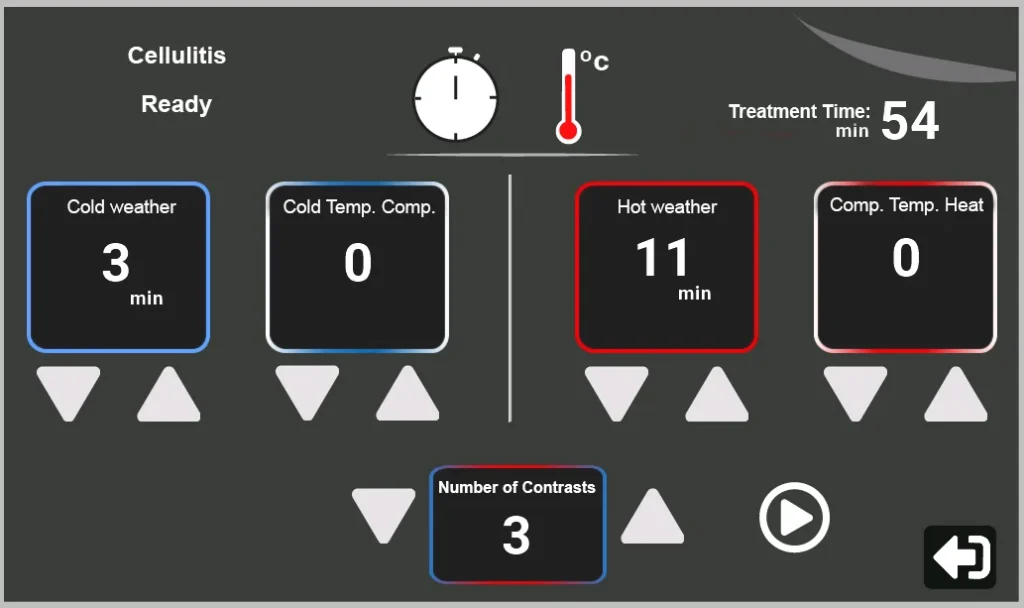
Once all parameters have been configured, the software performs an automatic real-time check and emits a visual and audible confirmation signal that indicates to the professional the optimal time to start the session, thus ensuring that all established conditions are within the programmed and safe therapeutic ranges before starting the treatment.
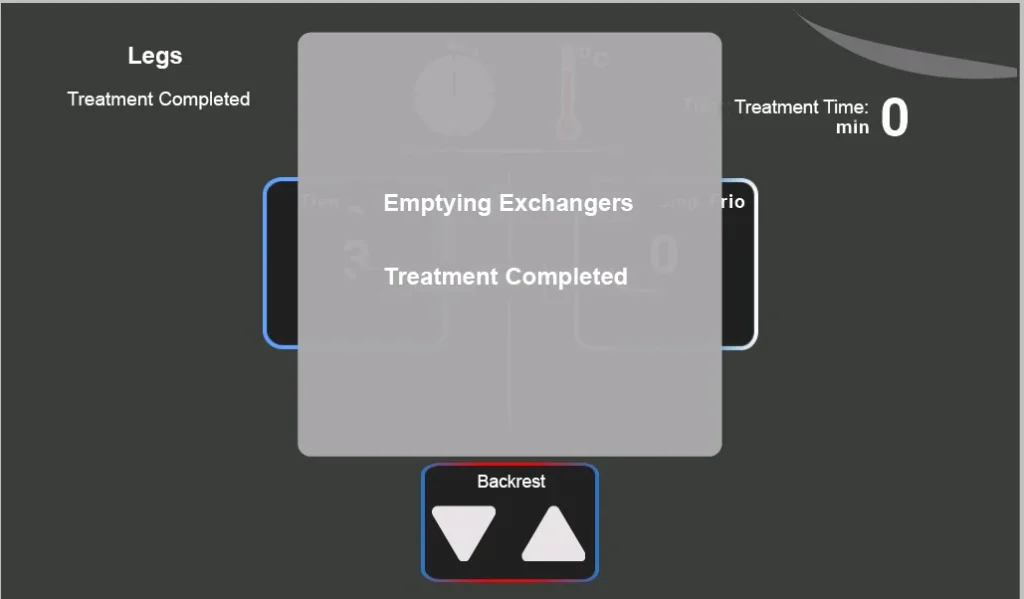
Once the treatment is completed or cancelled, the software autonomously initiates a cycle of draining the heat exchangers, an essential preventive maintenance process for the integrity of the equipment that must not be interrupted under any circumstances; only after completing this automatic sequence will the interface display the ‘Finished’ status, thus confirming that the protocol has concluded safely and correctly.